Inviting family members
Get your whole family into Famnest so everyone can stay connected with shared calendars, lists, and more.
HOW TO INVITE
Add family members to Famnest
Choose whether you want to invite someone new or join an existing family.
-
1
Open the invite menu
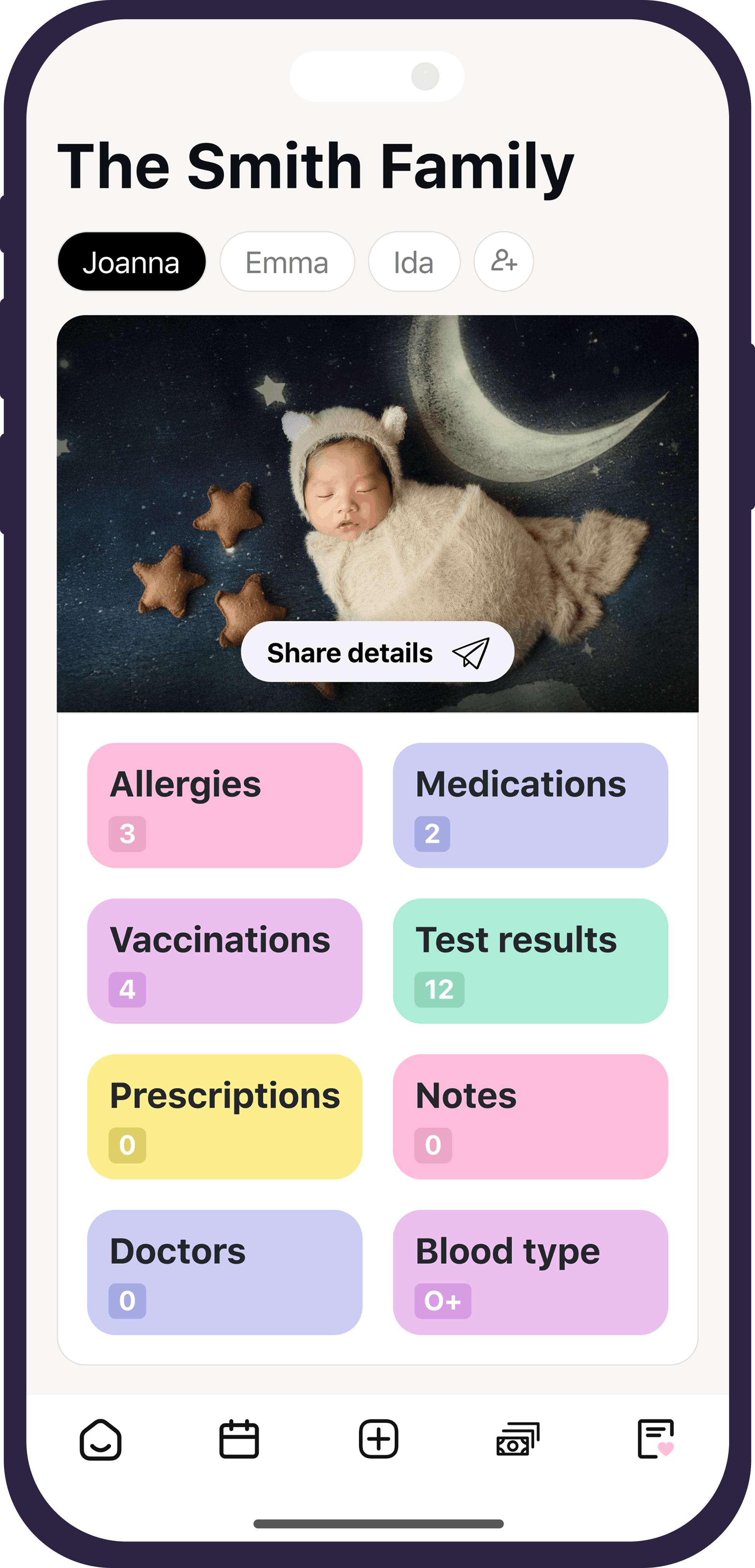
At the very top right of the screen, tap the person with the plus icon.

-
2
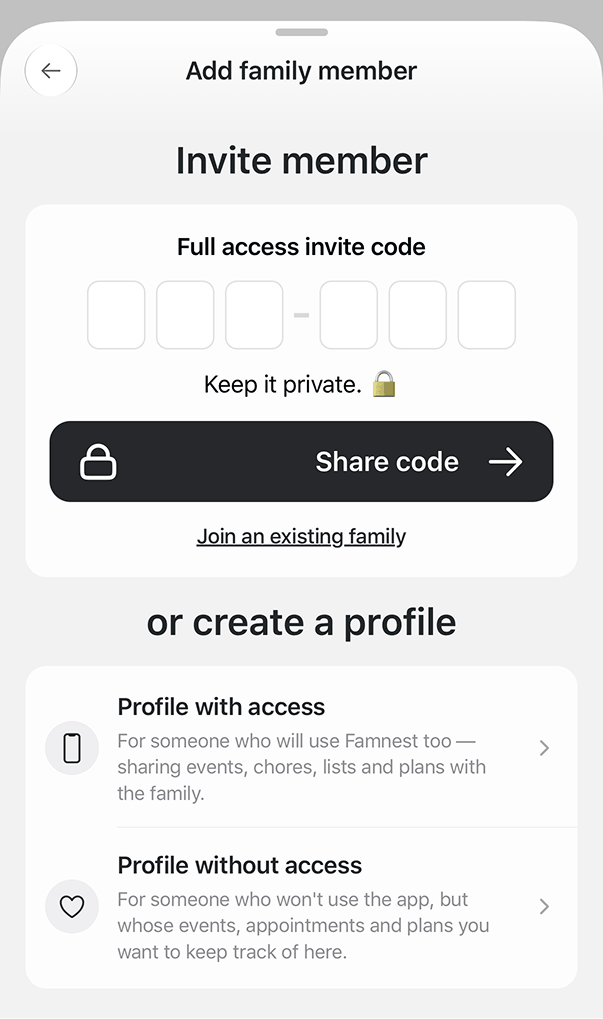
Share an invite code
Share the six-digit private invite code with your family member. Always keep this code private.
-
3
Or invite via email
Add their email address to send an invitation directly.
-
4
Add a profile without access
You also have the option to add a profile for someone without giving them any access to the app.
Always keep your six-digit invite code private. Do not share it publicly or with untrusted people.
-
1
Open the plus menu
At the very top right of the screen, tap the person with the plus icon.
-
2
Select join an existing family
Choose the option to join an existing family.
-
3
Enter the six-digit code
Use the six-digit code that was provided by the person who invited you. Always keep this code private.
Make sure the code is correct and always keep it private. Never share invite codes publicly.
Mit ❤️ in Schweden & Australien gemacht




© 2026 Famnest. Alle Rechte vorbehalten.
hello@getfamnest.com
Apple, das Apple-Logo und App Store sind Marken von Apple Inc. Android und Google Play sind Marken von Google LLC. Visa ist eine Marke der Visa International Service Association. Famnest ist eine Marke von Silo Team Limited, einer hundertprozentigen Tochtergesellschaft von Stair Path AB. Alle anderen Marken gehören ihren jeweiligen Eigentümern.